15 Best AI Workflow Automation Tools for Smarter Work Systems
Teams waste hours daily on repetitive tasks like copying data between apps, routing approvals, and sending follow-up emails. These mundane actions drain energy and delay meaningful work. The right AI workflow automation tools can eliminate this friction by building smarter systems that handle routine processes automatically.
Choosing effective automation requires understanding which platforms integrate with existing systems, which offer simple drag-and-drop functionality rather than coding, and which deliver results without complex setup. Bud's AI agent helps implement intelligent automation that learns processes, connects apps, and handles routine work so teams can focus on strategic decisions and creative problem-solving.
Table of Contents
-
What AI Workflow Automation Tools Actually Do (And Why They’re Changing Workflows)
-
15 Best AI Workflow Automation Tools Compared (Features, Use Cases, Strengths)
-
How to Choose the Right AI Workflow Automation Tool for Your Needs
-
Start Automating Your First Workflow Instead of Managing It Manually
Summary
-
AI workflow automation tools use large language models to read, analyze, and act on data intelligently rather than just moving information between apps. These platforms understand intent and context, which means they can handle variations, exceptions, and messy real-world scenarios that break traditional if-this-then-that logic. According to Xurrent's workflow automation analysis, AI-powered workflow automation can reduce manual task time by up to 80% because the AI handles categorization, prioritization, and routing decisions that previously required human judgment.
-
Most automation platforms connect apps through predefined API endpoints, limiting you to whatever data and actions each app chooses to expose. When workflows require pulling information from websites, navigating internal dashboards, filling forms in legacy systems, or interacting with tools that lack APIs entirely, integration count matters less than integration depth. The platform that advertises thousands of integrations often can't handle the contextual awareness your actual workflow requires beyond basic data transfer.
-
Teams reclaim 10+ hours per week with AI automation according to Dan Cumberland Labs' research, but only when the tool scales with evolving needs rather than forcing workflow rebuilds. The real test isn't whether a platform can automate your current process but whether the architecture supports adding complexity, handling exceptions, and adapting to changing business requirements without starting over. This distinction between initial capability and long-term viability only becomes apparent after investing time building workflows and training your team on a specific platform.
-
McKinsey's 2023 research found that 70% of companies are exploring at least one type of AI technology, yet many struggle because they choose tools that do not match their teams' actual technical depth. Beginners need platforms that hide technical complexity behind visual interfaces and pre-built templates, while teams with developers gain leverage from granular control over logic, data manipulation, and custom code insertion. The gap between exploration and successful deployment often stems from that initial selection decision.
-
Pricing models that charge per task execution, per active workflow, or per team member create different cost curves as usage grows. A platform with generous free tier limits but expensive paid plans might cost less initially but become unsustainable at scale, while enterprise platforms with high base costs but unlimited execution become economical only after reaching sufficient volume. The automation that works perfectly for 50 workflows per month often breaks or becomes prohibitively expensive at 500 workflows per month.
-
Bud's AI agent addresses this by providing full computer access, enabling it to navigate websites, fill out forms, and complete multi-step workflows across any application or interface, not just systems with pre-built API connectors.
What AI Workflow Automation Tools Actually Do (And Why They're Changing Workflows)
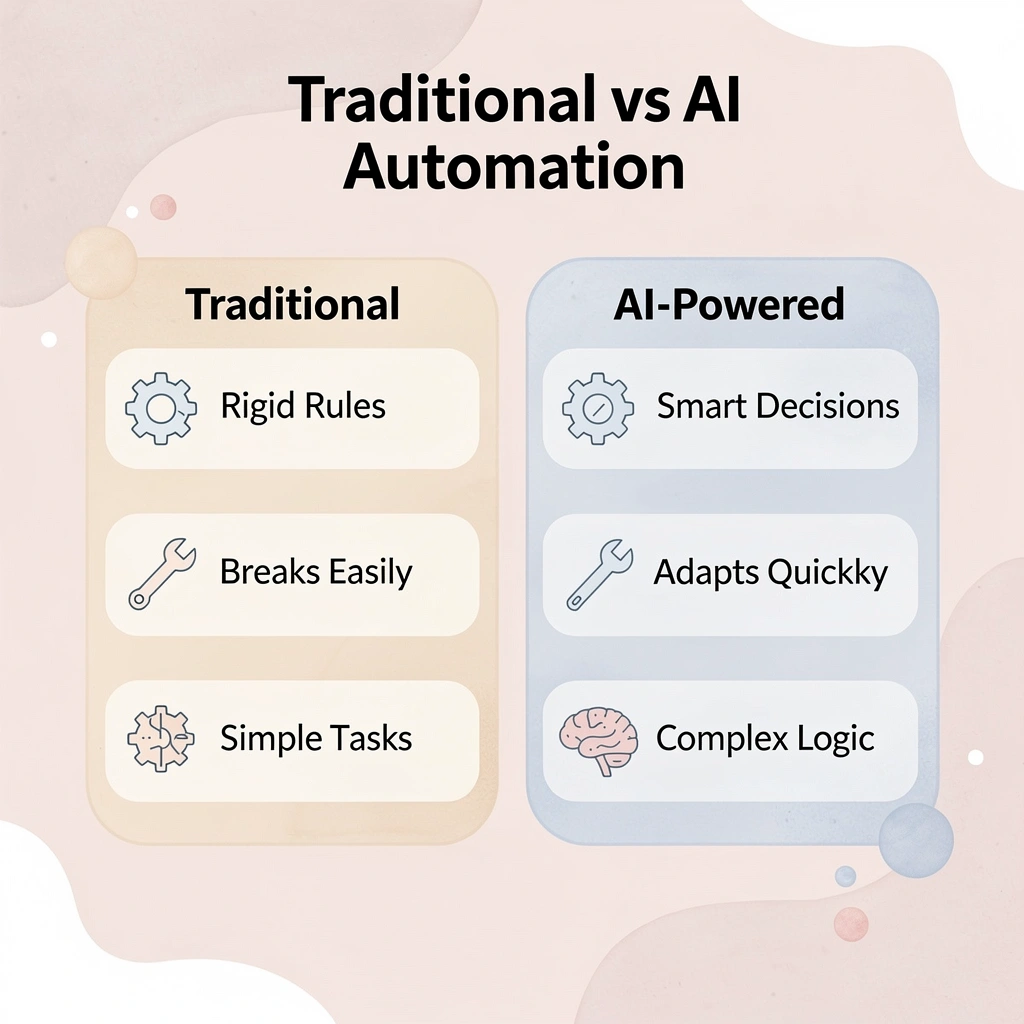
AI workflow automation tools connect your existing apps to large language models so AI can read, analyze, and act on your data intelligently. Rather than moving information from Gmail to Slack or Google Sheets to Notion, these platforms let AI understand what that data means and decide what happens next. Instead of writing strict if-this-then-that rules, you describe what you want in plain language, and the AI figures out how to handle changes, exceptions, and context. Key Point: The fundamental shift here is from rigid automation rules to intelligent decision-making. Traditional automation breaks when something unexpected happens, but AI-powered workflows adapt and respond as a human assistant would.

Tip: Think of these tools as giving your existing software stack a brain that can understand context, make decisions, and learn from patterns—transforming your disconnected apps into a cohesive, intelligent system.
How do AI tools handle messy real-world scenarios?
Regular automation tools struggle with complexity. A Zapier workflow that moves form submissions into a spreadsheet works fine until someone writes "N/A" in a required field or submits duplicate entries with slightly different names. AI workflow tools handle that messiness by understanding intent. They can read an email thread, recognize that three people are discussing the same issue using different words, extract the actual decision, and update their project tracker without requiring conditional logic for every possible phrasing variation. Our Bud AI agent simplifies this process, automating complex workflows that adapt to real-world variations in data and communication.
How does AI transform data processing into intelligent reasoning?
When you give an LLM access to real information from your tools, it stops fabricating answers and starts reasoning through problems. It reads unstructured text—support tickets, meeting notes, social media mentions—and converts it into structured actions: create a task, update status, send a summary, flag for review.
According to Xurrent's workflow automation analysis, AI-powered workflow automation can reduce manual task time by up to 80% by handling categorization, prioritization, and routing decisions that previously required human judgment.
What happens when manual coordination hits scaling limits?
Most teams hit a wall when scaling manual coordination across tools. AI workflow automation collapses the entire sequence: a single workflow monitors your support inbox, analyzes sentiment and urgency using natural language processing, assigns tickets to the right team based on the content, and escalates anything that shows frustration or legal language. Our AI agent handles this coordination seamlessly, freeing your team to focus on what matters.
The AI learned what matters by processing examples rather than from pre-written rules. This distinction shapes how you build these workflows. Drag-and-drop interfaces let you connect apps in conversational language rather than learning API documentation or scripting syntax.
You can build a workflow that scrapes LinkedIn for leads matching specific criteria, researches each company using web data, writes personalized outreach emails referencing their recent news, and queues everything for review before sending.
Why do AI agents need complete environmental access?
What makes this approach fundamentally different from traditional workflow tools is that AI agents need full environmental access to work as actual collaborators. Siloed API integrations let automation access only specific data endpoints, leaving you to manually bridge the gap between what your tools expose and what your workflow requires.
Tools like Bud's AI agent represent the next frontier of this technology, granting AI complete computer access to see screens, interact with any application, and handle workflows beyond pre-built integrations. When automation can observe, reason, and act across your entire computing environment rather than passing data between connected apps, you stop working around limitations and automate the way humans actually work.
15 Best AI Workflow Automation Tools Compared (Features, Use Cases, Strengths)
The tools below represent different philosophies about workflow automation. Some focus on simplicity for non-technical users connecting popular apps, while others require technical expertise to provide detailed control over complex scenarios. A few specialize in specific industries where generic platforms fall short. The right choice depends on whether the tool's limits align with your team's capabilities and your workflow's complexity.

Tip: Focus on understanding a tool's limitations rather than just its advertised features when making your selection.
Every platform here handles the basics: connecting apps, passing data, and triggering actions. What sets them apart is how they handle problems, where they force you to find workarounds, and what happens when your needs outgrow their system. Understanding where a tool fails matters more than knowing what it claims to do.
Takeaway: Match the tool's complexity level and technical requirements to your team's actual capabilities, not your aspirational ones.
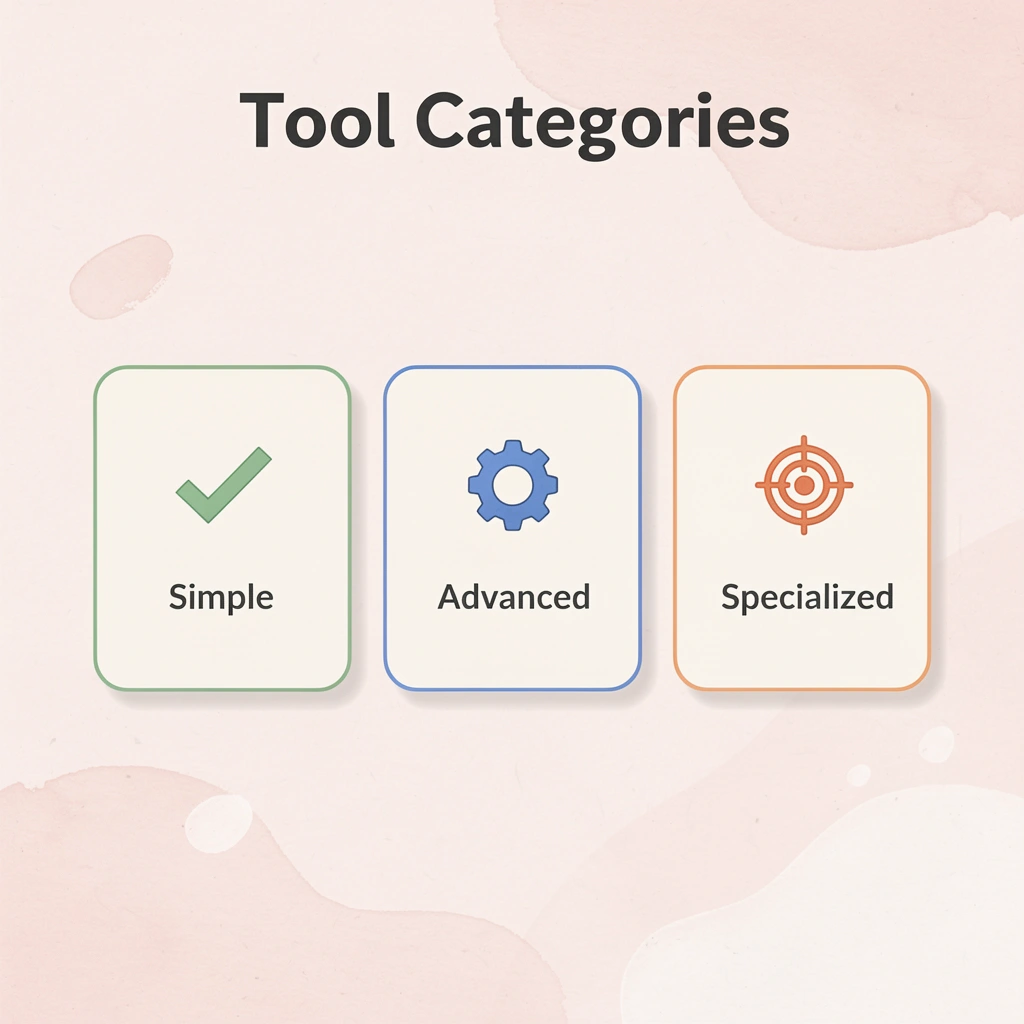
| Tool Category | Best For | Technical Skill Required |
|---|---|---|
| Simple Connectors | Basic app integrations | Low |
| Advanced Platforms | Complex workflows | High |
| Industry-Specific | Specialized use cases | Medium |
1. Bud
Overview
Bud is an AI agent that operates a full computer like a human would. Rather than relying solely on APIs, our AI agent navigates websites, fills forms, extracts data, and completes multi-step tasks across any interface, eliminating manual, repetitive work at a deeper level than traditional automation tools.
Best for
Teams that want true end-to-end task automation beyond API limitations.
Key AI capabilities/features
-
Full computer control (browser navigation, form filling, task execution)
-
Multi-step workflow automation across tools with no native integrations
-
Handles real-world tasks like QA testing, financial research, and ticket management
-
Works across platforms like Bloomberg, GitHub, CRMs, and internal tools
Ideal use case
Automating complex multi-step workflows involving multiple systems, manual inputs, or non-integrated tools.
Limitation
Still an emerging category; reliability and consistency may vary for highly complex or sensitive workflows compared to deterministic automation tools.
2. Zapier
Overview
Zapier is a beginner-friendly automation platform that connects 8,000+ apps and now includes AI-powered workflows, agents, and copilots to help users build automations without coding.
Best for
Non-technical users building simple workflows across popular tools
Key AI capabilities/features
-
AI copilot for building workflows
-
AI-powered automation steps and agents
-
8,000+ integrations
-
No-code app builder (Interfaces, Tables)
Ideal use case
Quickly connecting tools like Gmail, Slack, and CRMs to automate repetitive tasks
Limitation
Limited flexibility and inefficient API/secret reuse for advanced or enterprise workflows
3. Make
Overview
Make is a powerful automation platform designed for building complex workflows with advanced logic, data transformation, and AI orchestration.
Best for
Technical teams and automation specialists
Key AI capabilities/features
-
Visual scenario builder with advanced logic
-
AI orchestration via “Grid” view
-
Multi-step workflows with deep data transformation
-
Integration with multiple AI models
Ideal use case
Building complex, multi-step automations with conditional logic and data processing
Limitation
Requires more setup and technical understanding than beginner tools
4. Gumloop
Overview
Gumloop is a newer AI workflow tool focused on niche use cases across sales, marketing, and operations, with strong educational support and guided onboarding.
Best for
Technical users with specific, niche automation needs
Key AI capabilities/features
-
AI assistant (“Gummie”)
-
Pre-built templates and guided workflows
-
MCP support and Chrome extension
-
Custom API integrations
Ideal use case
Building specialized workflows like social listening or targeted automation pipelines
Limitation
Cluttered UI and limited integrations compared to more mature platforms
5. Lindy.ai
Overview
Lindy.ai is a lightweight AI automation platform focused on simple business workflows, especially for email, meetings, and sales tasks.
Best for
Teams needing quick, simple automations without complexity
Key AI capabilities/features
-
Pre-built workflow templates
-
AI voice agents
-
Integrations with common business tools
-
HIPAA-compliant healthcare notetaker
Ideal use case
Automating routine tasks like meeting follow-ups or inbox workflows
Limitation
Not suitable for advanced, custom, or enterprise-grade automation
6. Agentforce
Overview
Agentforce extends Salesforce with AI agents that automate workflows using CRM data and built-in enterprise infrastructure.
Best for
Salesforce users automating sales and customer workflows
Key AI capabilities/features
-
Native Salesforce data integration
-
Multi-agent orchestration
-
Pre-built templates and voice agents
-
MCP support
Ideal use case
Automating CRM-driven workflows like lead management and customer interactions
Limitation
Limited outside the Salesforce ecosystem and dependent on its infrastructure
7. Workato
Overview
Workato is an enterprise-grade automation platform combining AI, integrations, and governance for large-scale business workflows.
Best for
IT teams and enterprises managing cross-functional automation
Key AI capabilities/features
-
AI Copilot (AIRO)
-
Pre-built agents (“Genies”)
-
1,200+ integrations
-
Enterprise security and governance
Ideal use case
Managing complex workflows across sales, marketing, and operations at scale
Limitation
Requires technical resources and lacks flexibility due to its proprietary nature
8. AirOps
Overview
AirOps is a specialized AI workflow platform built for SEO and content teams, with integrations for marketing data and content systems.
Best for
Technical SEOs and content marketers
Key AI capabilities/features
-
SEO data integrations (Semrush, Moz)
-
AI content workflows and agents
-
Custom API and code support
-
Knowledge base and brand voice controls
Ideal use case
Automating content production and SEO workflows at scale
Limitation
Steep learning curve and limited built-in integrations
9. ChatGPT Agent Builder
Overview
ChatGPT Agent Builder allows users to create AI-driven workflows directly within the OpenAI ecosystem without external infrastructure.
Best for
Existing ChatGPT users and OpenAI-focused teams
Key AI capabilities/features
-
Native OpenAI integration
-
Drag-and-drop workflow builder
-
AI-driven task execution
Ideal use case
Building simple AI workflows within ChatGPT
Limitation
Limited features (no scheduling/triggers) and restricted to the OpenAI ecosystem
10. n8n
Overview
n8n is a popular low-code automation platform designed for technical users who want flexibility, control, and self-hosting capabilities.
Best for
Developers and technical teams
Key AI capabilities/features
-
Self-hosting option
-
5,000+ community templates
-
Visual workflow builder
-
Custom API and logic support
Ideal use case
Building customizable workflows with full control over infrastructure
Limitation
Requires technical expertise and managing your own APIs
11. Relay.app
Overview
Relay.app is a simple AI workflow builder focused on ease of use and fast setup for common automations.
Best for
Users wanting a simple alternative to Zapier
Key AI capabilities/features
-
Clean, intuitive UI
-
Pre-built templates
-
AI-powered workflows
Ideal use case
Creating simple automations like social posting or reporting
Limitation
Limited flexibility and integrations compared to larger platforms
12. Pipedream
Overview
Pipedream is a developer-focused automation platform designed for building AI agents with deep API integrations.
Best for
Developers and product teams
Key AI capabilities/features
-
AI agent builder with natural language input
-
2,800+ APIs and 10,000+ tools
-
Unified SDK for integrations
Ideal use case
Embedding automation and AI workflows into products
Limitation
Complex UI and higher cost for advanced usage
13. Vellum AI
Overview
Vellum AI is an enterprise platform for building, testing, and deploying complex AI agents at scale.
Best for
Large organizations and engineering teams
Key AI capabilities/features
-
End-to-end AI lifecycle (build → deploy → monitor)
-
Advanced experimentation tools
-
Multi-agent systems
Ideal use case
Developing and managing production-grade AI systems
Limitation
Requires significant technical expertise and resources
14. StackAI
Overview
StackAI is an enterprise AI workflow platform focused on security, compliance, and internal automation for sensitive industries.
Best for
Healthcare, finance, and government organizations
Key AI capabilities/features
-
Secure AI workflow automation
-
Clean, user-friendly interface
-
End-to-end process automation
Ideal use case
Automating internal workflows involving sensitive data
Limitation
Primarily suited for enterprise environments, not smaller teams
15. Screendragon
Overview
Screendragon is a no-code workflow management platform that combines AI automation with project and approval management.
Best for
Marketing and operations teams are managing complex workflows
Key AI capabilities/features
-
AI-driven workflow automation
-
Visual workflow builder
-
Approval and resource management tools
-
Real-time analytics
Ideal use case
Managing large-scale campaigns and approval-heavy workflows
Limitation
Steep learning curve and longer setup time for new users
Choosing between these platforms becomes clearer once you understand what actually matters in your specific workflow context.
How to Choose the Right AI Workflow Automation Tool for Your Needs
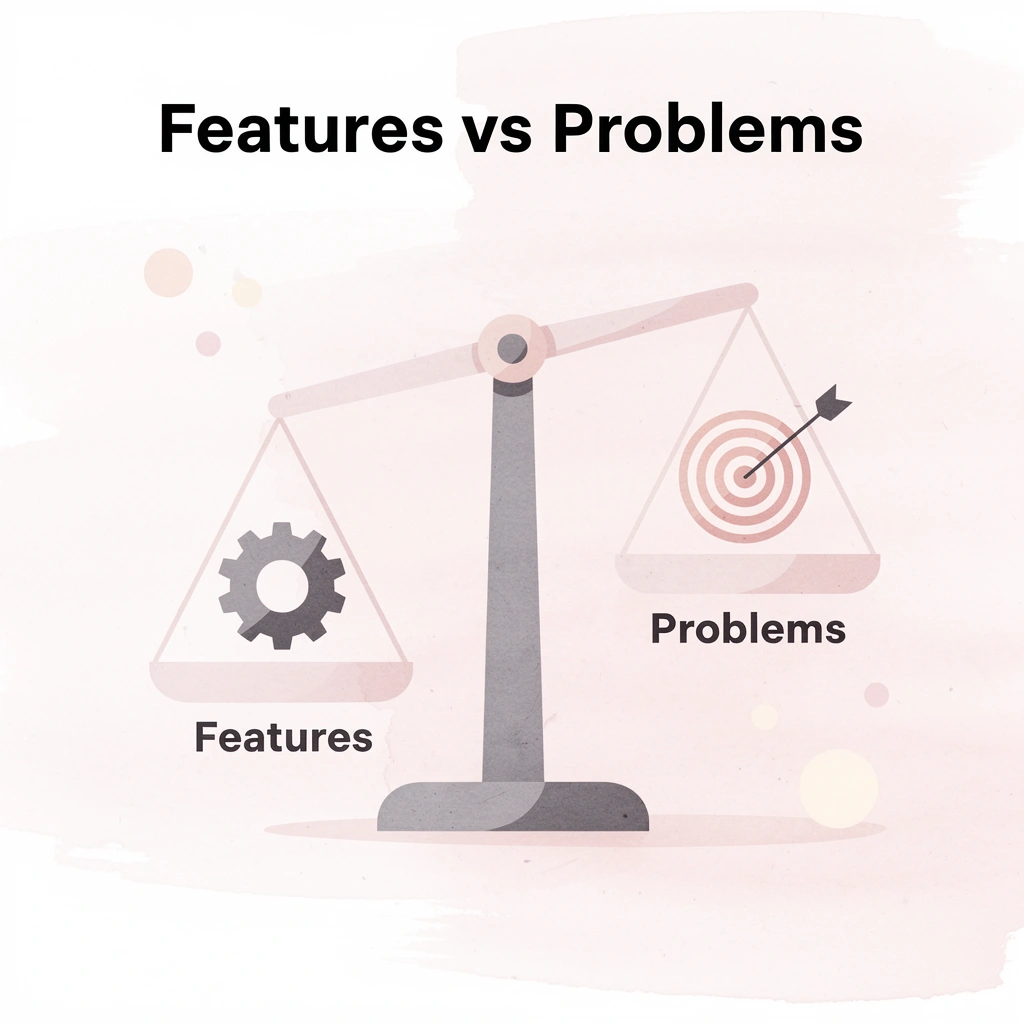
Pick a tool based on the workflow problem you're trying to solve, not the tool with the most impressive features. Identify which tasks consume the most time without adding value: entering data between systems, updating status across teams, formatting content, compiling research, or routing approvals. Then match that problem to the tool design that solves it. A platform built to connect SaaS apps through APIs won't help if your workflow needs to work with older systems, internal tools, or websites without integration endpoints. Key Point: Start with your specific workflow bottlenecks before evaluating any automation platform. The most feature-rich tool is useless if it doesn't address your actual pain points.

Warning: Don't get distracted by flashy demos or comprehensive feature lists. The best tool is the one that solves your most time-consuming manual processes with the least complexity.
| Workflow Problem | Best Tool Type | Key Feature to Look For |
|---|---|---|
| Data entry between systems | API-based connectors | Pre-built integrations |
| Content formatting | Document automation | Template libraries |
| Approval routing | Workflow engines | Conditional logic |
| Legacy system integration | RPA platforms | Screen scraping capabilities |
What tools work best for beginners in automation?
People new to automation and building their first workflows need platforms that hide technical complexity behind visual interfaces and pre-built templates. Tools like Zapier or Relay.app lets you connect popular apps without learning API documentation: you describe what should happen, select from dropdown menus, and the platform handles the underlying logic.
These tools work until your workflow requires custom data transformation, error handling for edge cases, or integration with systems outside their connector ecosystem.
When should teams choose more advanced automation platforms?
Teams with developers or automation specialists can leverage platforms offering detailed control over logic, data changes, and custom code. Make and n8n provide that flexibility, though they require more learning and longer setup times.
According to McKinsey's 2023 research, 70% of companies are exploring at least one type of AI technology, though many struggle because they choose tools mismatched to their team's technical skill level.
Why does integration depth matter more than integration count?
Platforms that advertise thousands of integrations sound capable until you discover that "integration" often means basic data transfer without context. You can move a form submission from Typeform to Google Sheets using any automation platform, but can the tool read the sentiment in open-text responses, sort submissions by urgency and topic, route complex cases to specialists, and flag items needing immediate attention?
That level of smart processing requires either extensive manual setup or AI abilities that understand context, not just data fields.
How do AI agents overcome traditional integration limitations?
Most workflow automation platforms connect apps through predefined API endpoints, limiting you to whatever data and actions each app exposes. When your workflow needs to pull information from websites, navigate internal dashboards, fill out forms in legacy systems, or interact with tools that lack APIs, these limitations become problematic.
Teams using Bud's AI agent handle these situations by giving AI full computer access, allowing it to interact with any application or website as a human would, rather than waiting for custom integrations.
Why does automation break when you scale up usage?
Automation that works for 50 workflows per month often breaks or becomes prohibitively expensive at 500. Pricing models that charge per task execution, per active workflow, or per team member create different cost curves as usage grows. A platform with a generous free tier and expensive paid plans may seem less expensive initially, but become unsustainable at scale. Enterprise platforms with high base costs but unlimited execution become economical only after reaching sufficient volume.
How do you identify tools that grow with your needs?
Dan Cumberland Labs' research found that teams recover 10+ hours per week with AI automation, but only when the tool scales with their needs rather than forcing workflow rebuilds as requirements change. The real test isn't whether a platform can automate your current process—it's whether the architecture supports added complexity, exception handling, and adaptation to changing business requirements without requiring a restart.
This difference between what a tool can do now and how well it will work long-term only becomes clear after you've spent time building workflows and training your team. But knowing which tool fits your needs matters only if you can use it without disrupting your team's existing work.
Start Automating Your First Workflow Instead of Managing It Manually
Most AI workflow automation tools rely on preset triggers and integrations, which limit their effectiveness in real situations. When your workflow must interact with systems that lack APIs or work with frequently changing interfaces, these platforms force you to choose between manual work and expensive custom development. Tip: Traditional automation breaks down when you need flexibility—that's where AI agents shine by adapting to changing interfaces in real-time.
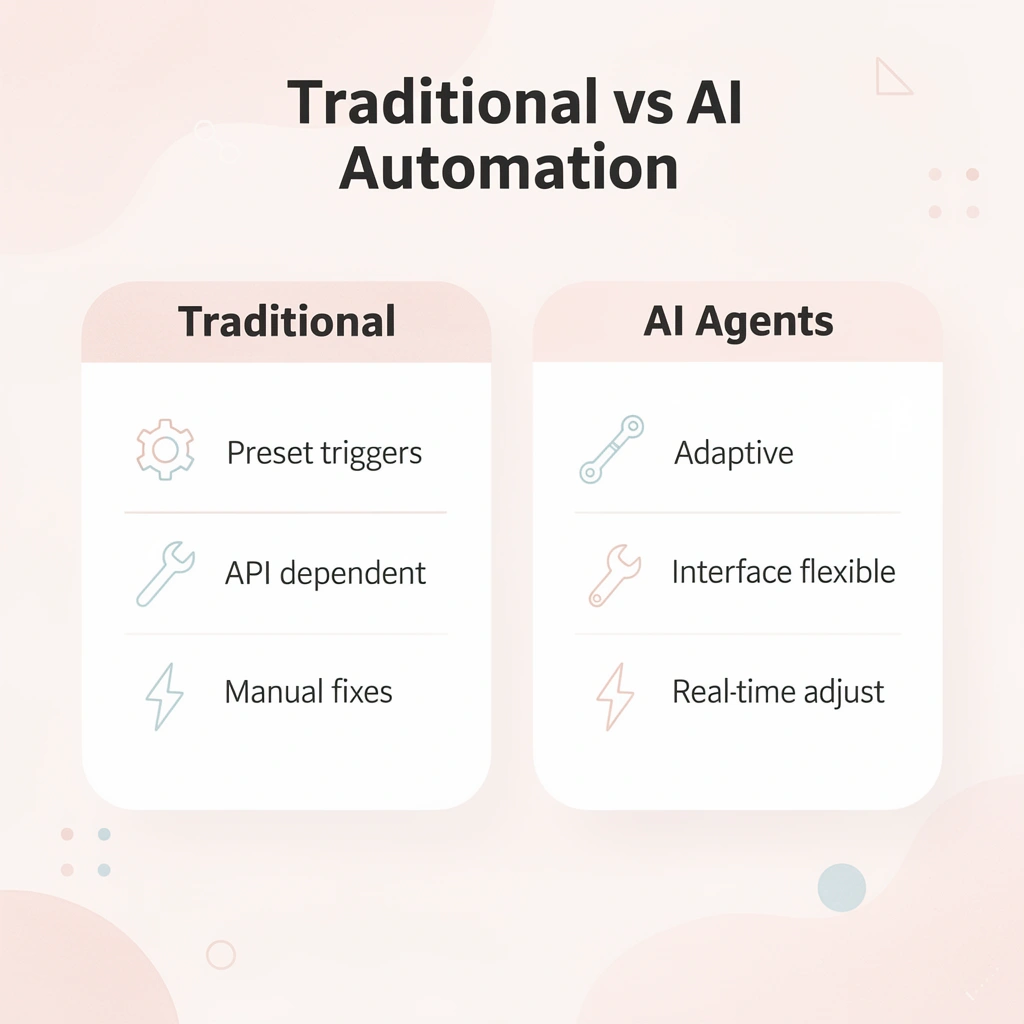
Bud is an AI agent that executes multi-step workflows across websites and apps as a human would: collecting data, filling forms, navigating interfaces, and handling operational tasks that traditional automation tools cannot cover. Instead of stitching together multiple tools, you delegate entire workflows end to end and let Bud handle execution.

Key Point: Skip the setup complexity and start automating immediately—no technical configuration required.
Get started in minutes by assigning a task to Bud, which executes immediately.