What Is Sales Workflow Automation? Benefits, Tools & Tips
Sales teams waste countless hours on repetitive tasks like manually entering lead data, sending follow-up emails, updating CRM records, and chasing approval signatures. These mundane activities drain energy and steal time from what actually drives revenue: building relationships and closing deals. Sales workflow automation streamlines these processes, allowing teams to focus on high-value activities while reducing manual effort and human error.
Modern automation handles routine tasks like lead routing, email sequences, data entry, and pipeline updates without human intervention. The result is a smoother sales process in which opportunities move forward automatically, and nothing falls through the cracks. Teams can finally shift their focus from administrative busywork to strategic conversations that close deals, and Bud's AI agent makes this transformation seamless.
Table of Contents
-
What Is Sales Workflow Automation and Why is It Essential?
-
8 Real-World Sales Automation Examples That Boost Performance
-
How to Get Started With Sales Workflow Automation
-
Sales Automation Tools and Software Types
-
Automate Your Sales Workflows with Bud's AI Agent Today
Summary
-
Sales reps spend only 28% of their time actually selling, according to Salesforce's 2024 research. The other 72% disappears into data entry, email coordination, and chasing down information that should flow automatically. This pattern creates predictable gaps where qualified leads go cold, handoffs between teams take days instead of minutes, and hot opportunities vanish into someone's inbox over the weekend.
-
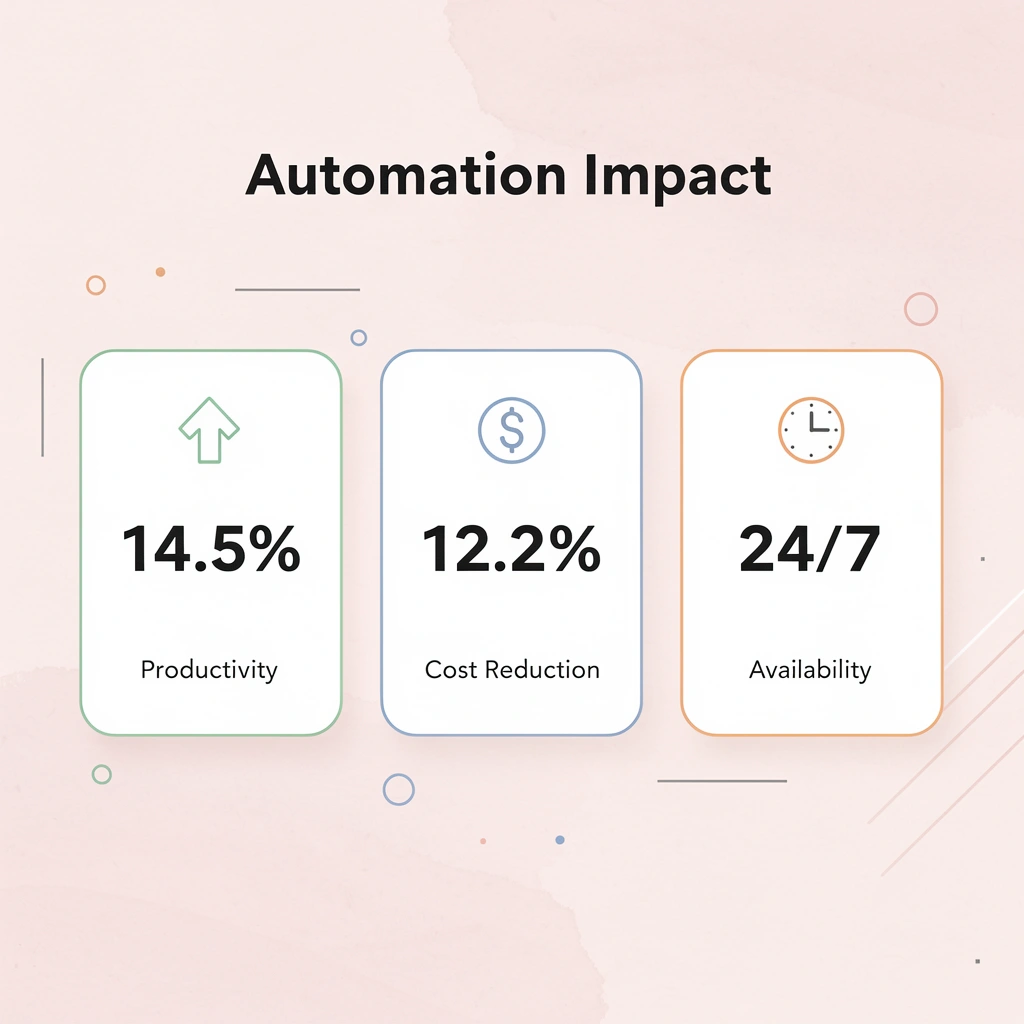
Companies that implement sales workflow automation see a 14.5% average increase in sales productivity, according to research from AI Workflow Designer. That number reflects more than time savings. It captures faster response times, fewer missed opportunities, and the compounding effect of consistency. When every lead gets the same quality of follow-up regardless of which rep is on vacation or how busy the quarter gets, conversion rates stabilize and improve.
-
Sales automation now drives $391B in B2B revenue according to Cirrus Insight research, reflecting how foundational these systems have become to modern selling. The advantage shows up not just in doing things faster, but in creating consistency that compounds over time. Every lead gets scored the same way, every follow-up arrives at the optimal moment, and every deal stage update triggers the next action without delay.
-
Automated data entry can reduce manual work time by up to 80%, according to AI Workflow Designer analysis. That number captures the compounding effect of eliminating delays, reducing errors, and freeing attention for work that requires judgment instead of memory. Without automation, context disappears during handoffs, leaving success teams to reconstruct conversations and commitments from fragmented email threads at the very moment trust matters most.
-
Traditional automation tools require you to map every possible workflow path in advance using rigid if-then rules. Systems that understand context across multiple platforms simultaneously adapt differently, tracking prospect journeys across websites, email, and messaging apps without requiring separate integrations for each channel. The automation adjusts to how people actually buy rather than forcing them into predefined sequences.
-
Bud's AI agent addresses this by executing workflows across complete computing environments, updating records, and routing tasks based on real-world behavior patterns rather than isolated triggers.
What Is Sales Workflow Automation and Why Is It Essential?
Sales workflow automation uses AI and smart technology to handle repetitive tasks. Instead of manually routing leads, typing follow-up emails, or updating CRM fields, you create rules that trigger actions automatically. When a prospect downloads a whitepaper, the system scores them, assigns them to the right rep, and launches a personalized email sequence without manual intervention. It reclaims the hours lost to administrative work so you can focus on conversations that close deals. Key Point: Sales workflow automation transforms manual processes into intelligent triggers that work 24/7, freeing up your team to focus on high-value relationship building and deal closing.
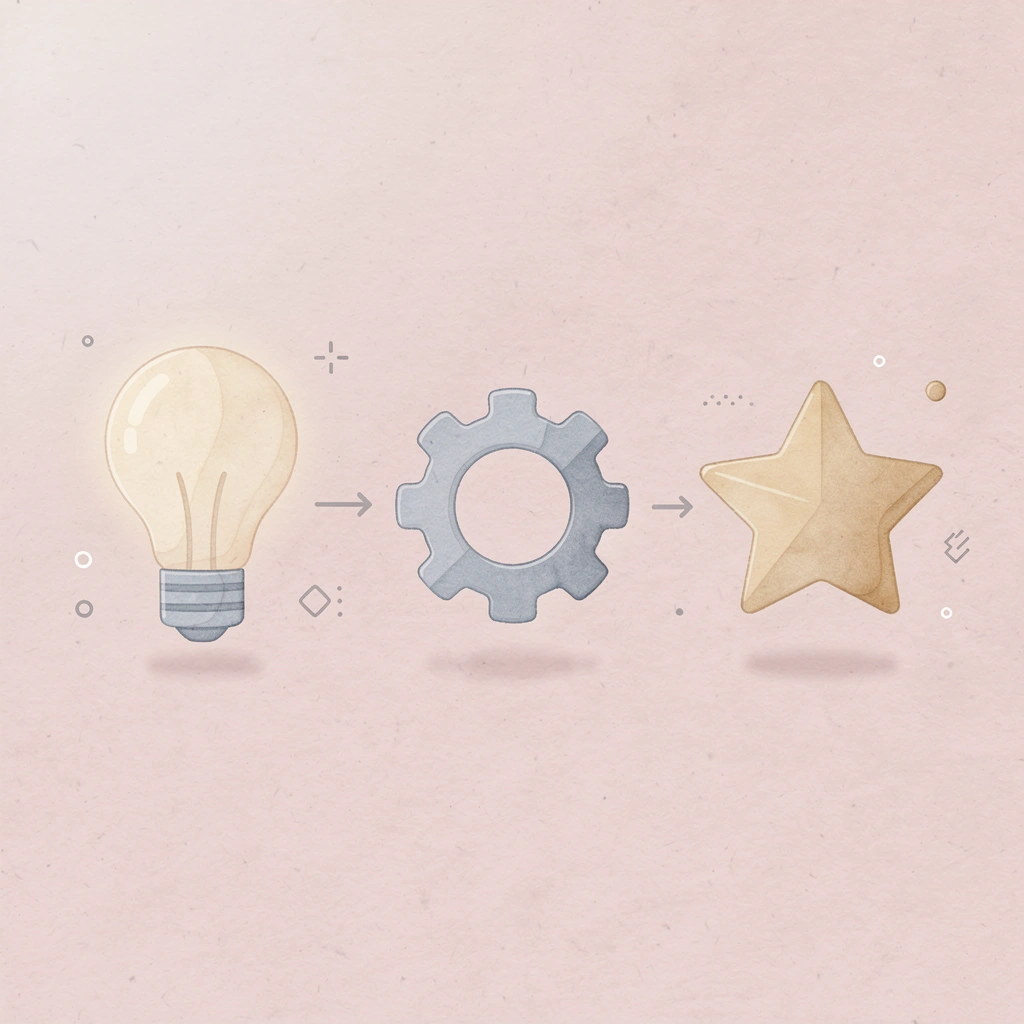
Example: When a qualified lead visits your pricing page 3 times in a week, the system automatically assigns them a priority score, notifies the account executive, and sends a personalized demo invitation - all without any manual intervention.
What happens when leads slip through manual processes?
A qualified lead fills out your contact form at 3 PM on Friday. By Monday morning, they've already talked to two competitors because your follow-up sat in someone's inbox all weekend. Manual processes create gaps that allow opportunities to slip through the cracks. According to Salesforce's 2024 research, sales reps spend only 28% of their time selling. The other 72% goes into data entry, email coordination, and chasing down information that should flow automatically.
Why do manual handoffs consistently fail?
A rep forgets to log a call, so the next person on the account doesn't know what was discussed. An email sequence stops because someone went on vacation. A hot lead goes cold because the handoff between marketing and sales took three days instead of three minutes. These are predictable results of asking humans to remember, coordinate, and execute dozens of small tasks perfectly every time.
How do AI agents differ from traditional automation
Traditional automation tools follow strict if-then rules that you program in advance. AI agents work differently: they interact with your complete computing environment, understanding context across multiple systems simultaneously.
When a prospect visits your pricing page twice in one day, an AI agent checks their company size, reviews previous interactions, identifies the right case study, and personalizes outreach based on actual behavior patterns rather than a single trigger event.
How do AI agents adapt to real buyer journeys?
A prospect might engage through your website, respond via email, and book a call through Telegram. AI agents that access full computing environments can track that journey across channels, update your CRM, notify the right team member, and prepare relevant materials without complex integrations between tools. Our AI agents seamlessly connect these touchpoints, transforming fragmented customer interactions into actionable insights.
The system adapts to how people buy, rather than forcing them into a predetermined workflow.
How does automation deliver measurable results?
Companies using sales workflow automation see improvements quickly. Research from AI Workflow Designer shows an average 14.5% increase in sales productivity when teams automate their workflows. This delivers faster response times, fewer missed opportunities, and consistent results. When every lead receives the same quality follow-up regardless of which rep handles it or their workload, conversion rates improve and stabilize.
How does automation change team operations?
The shift also changes how teams operate. Reps focus on strategy instead of manual data entry and follow-up tracking, while managers gain real-time pipeline visibility without requesting status updates. Everyone works from the same current information, eliminating confusion from outdated data scattered across inboxes and spreadsheets.
What's the real advantage beyond speed?
But here's what most people miss about automation: the real advantage isn't speed alone.
8 Real-World Sales Automation Examples That Boost Performance
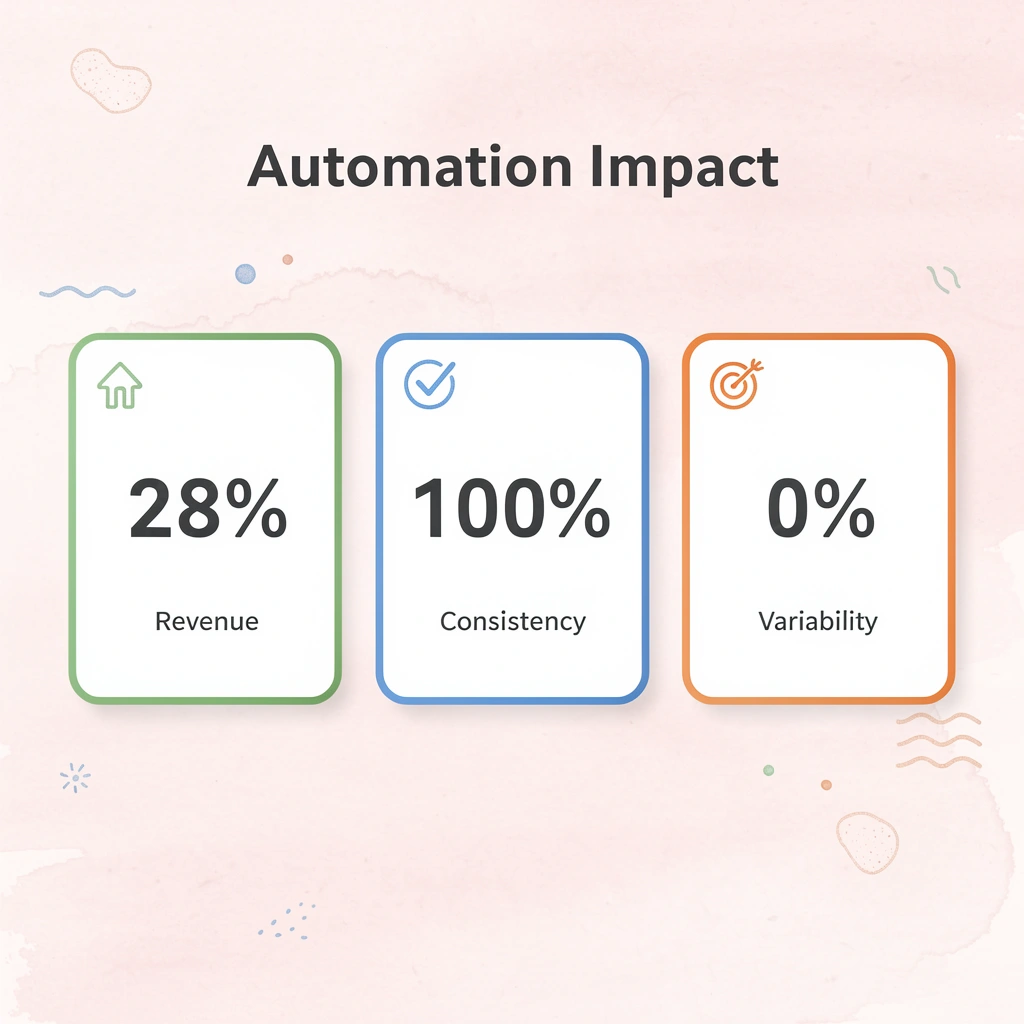
Automated workflows create consistency that builds over time. Every lead is scored the same way, every follow-up arrives at the best moment, and every deal-stage update triggers the next action immediately. This reliability eliminates differences caused by memory, workload, and human error. Key Point: Automated workflows eliminate the inconsistencies that plague manual sales processes, ensuring every prospect receives the same high-quality experience regardless of which team member handles them.
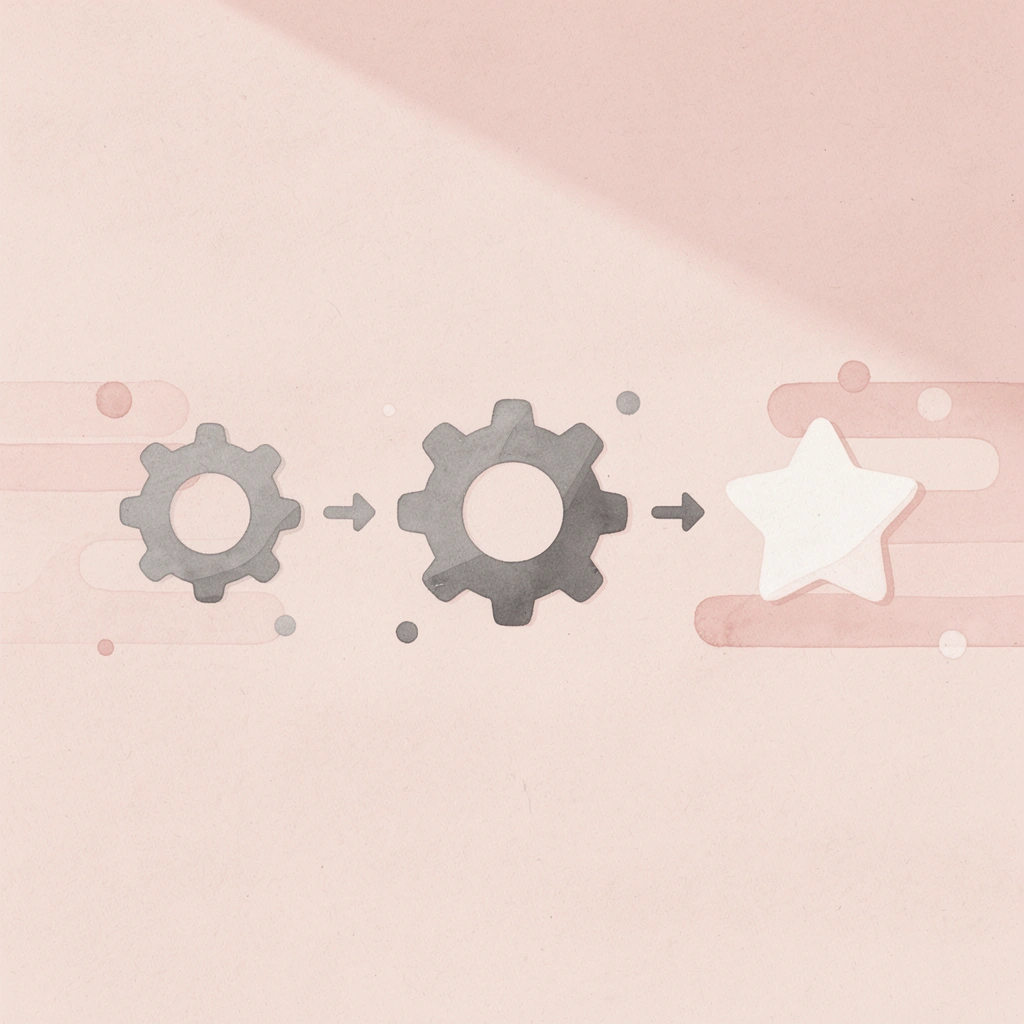
Best Practice: The real power of automation isn't just speed – it's the compound effect of reliable execution that builds stronger relationships and higher conversion rates over months and years of consistent performance.
1. Lead Capture
Lead capture begins when someone demonstrates interest through a form submission, chatbot message, or event registration, signaling that a prospect wants to learn more.
Automation collects that information and sends it to the CRM, where a new record is created, assigned to the appropriate sales representative, verified, tagged, and linked to the originating campaign.
How does marketing drive success in lead capture?
Your marketing team drives this stage through ads, search campaigns, and gated content. Every contact arrives with information about their source, how they interacted with your site, and what offer captured their attention, giving your rep complete information before the first contact.
Linked systems let you manage larger volumes of leads while maintaining consistent communication. According to research from Cirrus Insight, sales automation drives $391B in B2B revenue, demonstrating the critical role these systems play in modern selling.
2. Lead Qualification and Scoring
After leads are captured, automation evaluates which ones deserve priority using lead scoring, a system that converts measurable signals and customer actions into numerical values.
Lead scoring software analyzes customer behavior against patterns from previous conversions and applies weights to criteria such as company size and industry. When a lead passes the engagement threshold, the system alerts a rep and automatically updates the pipeline.
What happens to qualified leads in the system?
The highest-scoring qualified leads are moved to Outreach first, while others enter follow-up campaigns for education and trust-building.
Automation keeps all activity visible in the CRM: every opened email and site visit updates the lead profile and adjusts the score accordingly. Standardized rules ensure consistent assessments across all prospects, eliminating the inconsistency of manual qualification.
3. Personalized Email Follow-Ups
Follow-ups shape how your prospect experiences your brand. Automation sends emails based on timing and behavior, watching for actions such as demo requests and automatically triggering the next message. Each message uses CRM data to reference previous conversations or shared materials, strengthening customer engagement.
When hundreds of prospects enter sequences at once, automation personalizes interactions without slowing your team down. Performance data feeds back into the CRM to improve tone and timing for future campaigns. Teams that automate follow-up sequences maintain engagement velocity that manual processes cannot match, particularly when scaling across multiple time zones and buyer personas.
4. Deal Stage Updates and Sales Pipeline Tracking
Every opportunity moves through several checkpoints before a contract closes. As your rep updates a record or sends a proposal, the system advances the stage in the CRM, assigns follow-up tasks, and alerts teammates who share the same data. This visibility keeps the pipeline current and measurable.
Accurate stages enable faster forecasting. Managers can read live reports, adjust goals, and monitor conversion rates without manual data entry. Automatic notifications keep departments aligned while salespeople focus on closing deals.
5. Task Assignments for Sales Reps
Assigning follow-ups and updates consumes significant selling time. Automation platforms handle these routine tasks, freeing reps to focus on direct communication rather than sending manual reminders.
Built-in task management tools track completion, automatically update deal records, and create new steps based on progress. Managers can see pending, late, and backed-up tasks without requesting reports.
Automation also speeds up onboarding. Each triggered task includes descriptions, required materials, and instructions for outcome logging. This standardized framework ensures consistency across your team as workloads grow.
6. E-Signature Workflow
Modern automation replaces printing, scanning, and emailing with a single digital path.
Each stage occurs automatically, with notifications confirming when documents are opened or signed, reminders for unsigned signatories, and final files saved directly to the CRM record.
Sales leaders can see document status, completion time, and approval delays. They can measure signing speed and its impact on deal closure, then coach teams accordingly. Built-in encryption, authentication, and audit trails protect transactions and verify their authenticity in the event of disputes.
7. Data Entry and CRM Software Sync
When you update information by hand, it creates problems and slows operations. Automated systems share information across all your tools so every program displays the same numbers, notes, and contact details.
With CRM automation, emails and meetings are automatically saved in your system, eliminating manual note-taking and field updates. Teams gain more time for calls and follow-ups, rather than spending time on repetitive data entry.
Why is continuous syncing important for sales teams?
Continuous syncing ensures your marketing platform, analytics tools, and customer support systems work from a single source of truth, eliminating wasted time searching for updates or checking records.
AI agents that access complete computing environments can simultaneously understand context across multiple platforms. Rather than requiring rigid integrations between tools, our AI agents adapt to how information flows through your sales process, updating records and routing tasks based on real behavior patterns rather than predefined triggers alone.
8. Post-Sale Handoff to Customer Success
When a deal closes, automation transfers notes, files, and customer details from the salesperson to the customer success manager, ensuring a smooth transition.
Each record includes call summaries, product choices, timelines, goals, preferences, and onboarding plans. The system organizes these handoffs so sales reps can pursue new prospects without missing follow-ups.
Every department sees the same history, keeping the customer journey consistent. Without automation, context disappears during handoffs, leaving success teams to rebuild conversations from fragmented email threads. This friction hurts the customer experience when trust matters most.
Most teams still struggle with where to begin.
How to Get Started With Sales Workflow Automation
Map out your current process before automating. Find specific friction points where automation delivers immediate value—most teams automate inefficiencies by implementing tools without first understanding their workflow. The goal isn't to replicate your existing process with software, but to redesign how work moves through your system so that repetitive tasks occur without human intervention.
Key Point: Successful automation starts with process mapping, not tool selection. You need to understand your current workflow before you can improve it.
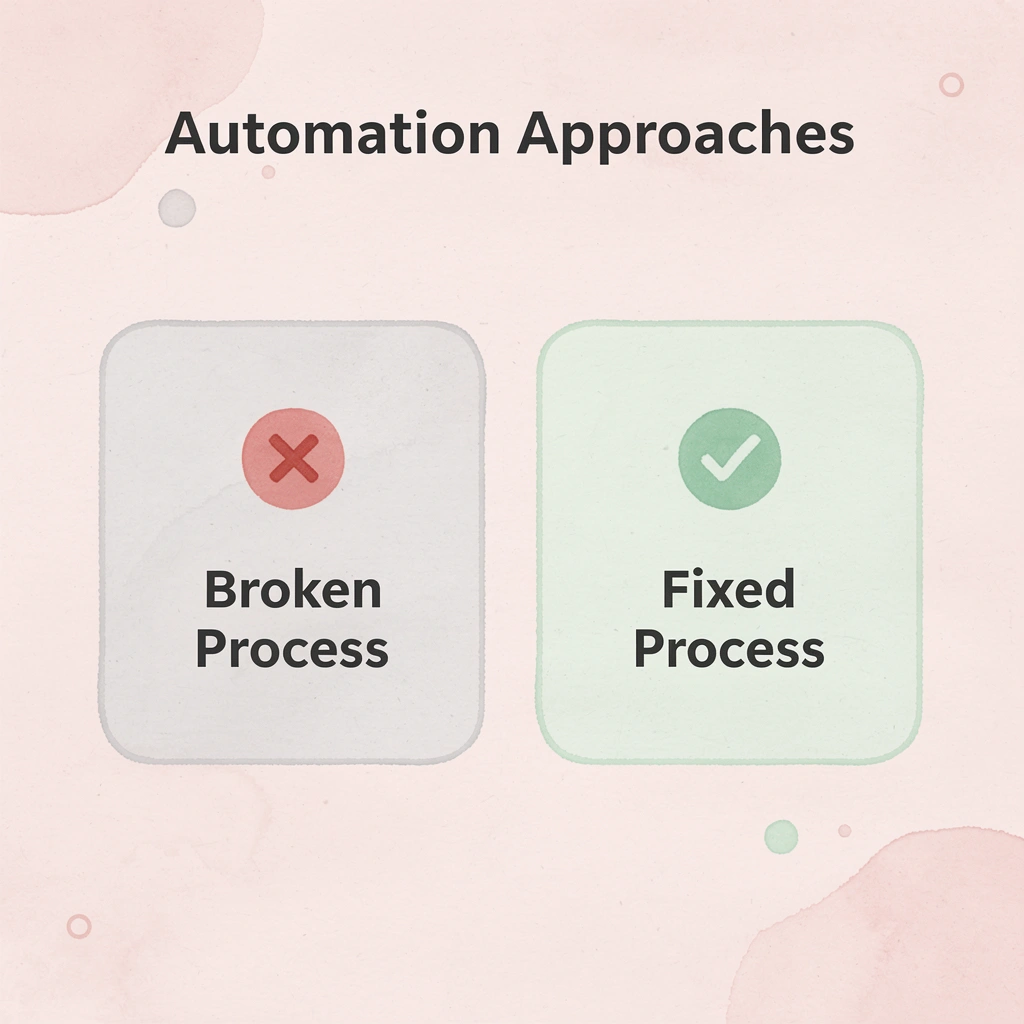
Warning: Don't fall into the "automation trap" of simply digitizing your existing inefficiencies. True automation redesigns workflows to eliminate manual handoffs and repetitive tasks entirely.
How do you identify automation opportunities in your sales process
Write down every step from when a lead first arrives to when you close the contract. Note who works with the record, which systems they use, and where information gets manually moved between different platforms.
You'll find patterns quickly: leads sitting unassigned for hours, reps spending twenty minutes daily copying meeting notes into the CRM, or prospects receiving follow-ups three days late because reminders get lost.
Which gaps should you prioritize for automation?
These gaps are your highest-value targets for automation. According to AI Workflow Designer, sales automation can cut manual data entry time by up to 80%, reflecting eliminated delays, reduced errors, and freed capacity for judgment-based work over routine tasks.
What does measurable success look like?
Vague goals produce vague results. Instead of "improve efficiency," specify the outcome you're measuring: reduce lead response time from four hours to fifteen minutes, increase email reply rates by 12%, or free up six hours per week per rep for prospecting calls. These concrete targets let you evaluate whether automation is working or adding complexity to your stack.
How do you connect metrics to revenue impact?
Connect each metric to its impact on revenue. Faster response times increase conversion rates. Higher reply rates generate more qualified meetings. Automation frees your top sales reps to focus on closing deals rather than on paperwork. Linking automation to business results clarifies the investment's value and enables measurement of its effectiveness.
How do you start with a single workflow and test it effectively?
Pick one high-impact process, like lead nurturing after a content download. Build the workflow with clear triggers and actions: create a CRM record, score the lead based on company size and role, send a personalized follow-up email two days later, and assign a task to the rep if the prospect opens the email twice. Test with a small group first to catch errors before reaching your entire database.
How do AI agents adapt workflows differently from traditional tools
Traditional automation tools require you to map every possible path in advance. AI agents that interact with complete computing environments adapt differently: they understand context across multiple systems simultaneously, adjusting workflows based on real behavior patterns instead of rigid if-then rules. Our AI agents handle this complexity seamlessly.
When a prospect engages through your website, responds via email, and books a call through Telegram, the system tracks that journey without requiring separate integrations for each channel.
How do you train teams on strategic application versus technical steps?
Showing someone how to enroll a contact in a sequence isn't enough. They need to understand when to use different templates, how to interpret automation notifications, and which actions require human judgment rather than automated responses. The best workflows strengthen your team's expertise rather than replace it. Reps should recognise which signals indicate that a prospect is ready for outreach rather than needing more nurturing content first.
How do you expand training to additional use cases
Once your team feels confident with initial workflows, expand to additional use cases. Apply the same framework to deal with stage progression, task assignment, or post-sale handoffs. The pattern becomes familiar, reducing resistance and accelerating adoption across your sales process.
Monitor performance and iterate based on real data
Automation loses effectiveness as market conditions and prospect behavior change. Set monthly reviews to assess open rates, reply rates, conversion metrics, and time savings. Run A/B tests on email timing, subject lines, and content variations to identify what works best. Gather feedback from reps about which automations help and which create friction.
Continuous refinement separates small improvements from major change. Your system must evolve with new products, changing buyer preferences, and team growth.
But knowing how to implement automation doesn't answer which tools deliver on these promises.
Sales Automation Tools and Software Types
Modern sales automation covers six different categories: CRM automation (capturing data and updating records), email sequencing (organizing multi-touch outreach), conversation intelligence (analyzing calls for objections and coaching), predictive analytics (forecasting deals), proposal automation (creating customized documents), and meeting scheduling. Most teams need three to four of these working together, but disconnected tools create fragmented data requiring manual fixes: the exact problem they're meant to solve.
Key Point: The most effective sales automation strategy combines multiple categories working in harmony, not isolated point solutions that create data silos.
| Automation Category | Primary Function | Data Integration Need |
|---|---|---|
| CRM Automation | Data capture & record updates | High - Central hub |
| Email Sequencing | Multi-touch outreach campaigns | Medium - Contact sync |
| Conversation Intelligence | Call analysis & coaching | High - Deal context |
| Predictive Analytics | Deal forecasting | Critical - All data sources |
| Proposal Automation | Document customization | Medium - CRM integration |
| Meeting Scheduling | Calendar coordination | Low - Basic contact info |
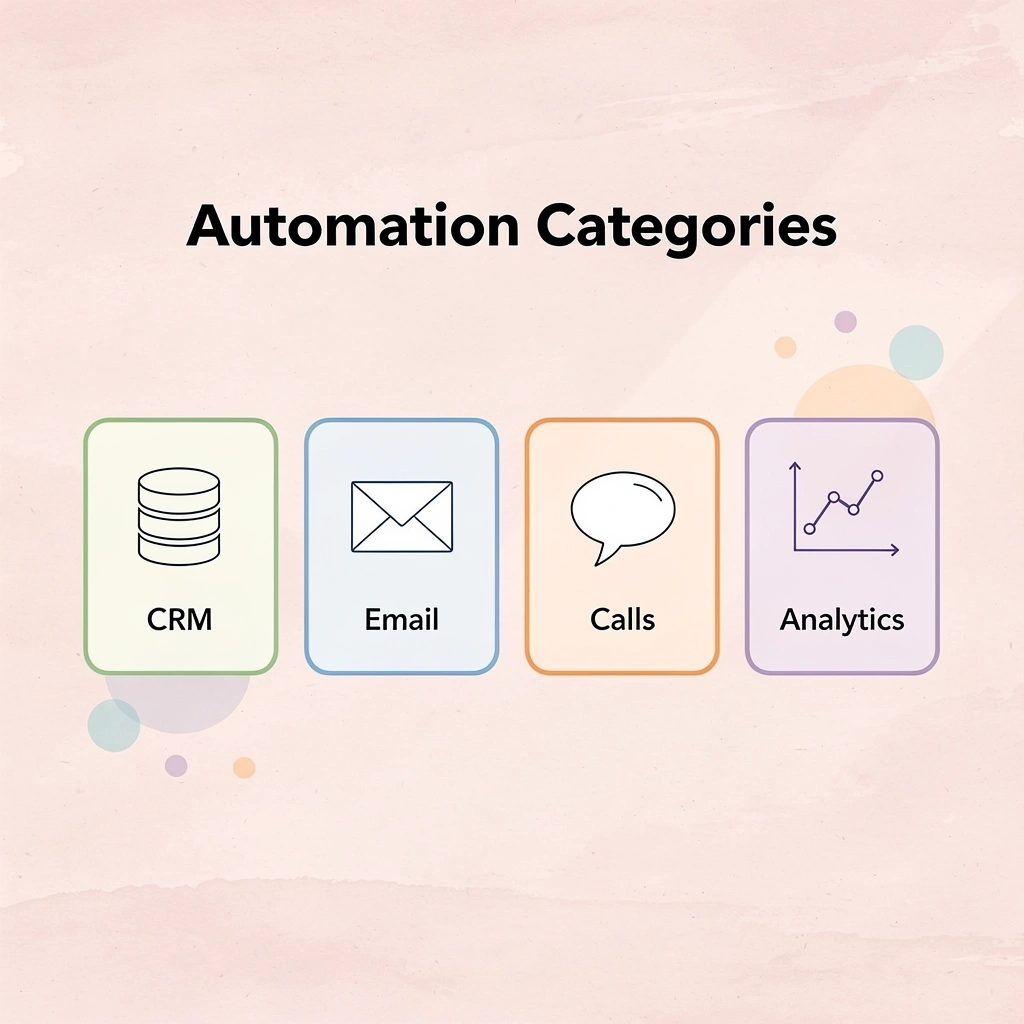
Best Practice: Start with CRM automation as your foundation, then add email sequencing and conversation intelligence to create a powerful three-tool stack that covers 80% of most sales teams' automation needs.
CRM automation and pipeline management
AI-powered CRMs now capture activity data automatically, update deal records in real time, and sync information across your entire tech stack. Native automation builders let you chain conditional logic, route records based on multiple criteria, and adjust workflows without writing code—capabilities that basic triggers cannot match. When a lead downloads three whitepapers in one week, visits your pricing page twice, and matches your ideal customer profile, the system should score them, assign them to your enterprise team, and trigger a personalized video email. This level of coordination requires more than simple if-then rules.
Email sequencing with behavioral intelligence
Advanced email platforms personalize content at scale, optimize send times based on engagement patterns, and automatically pause sequences when prospects respond. The automation monitors signals such as email opens, link clicks, and reply sentiment. If a prospect opens your email three times without responding, the system adjusts the next message to address common objections. If they reply with a question, the sequence stops so a human can take over.
Conversation intelligence and real-time guidance
Tools like Outreach's Kaia record sales calls, analyze sentiment, extract action items, and provide real-time assistance during meetings. The software identifies competitor mentions, flags pricing objections, and suggests relevant case studies based on specific concerns.
After the call, it summarises key points, updates the CRM record, and creates follow-up tasks. That information becomes searchable across your team, so anyone can understand deal history without listening to hour-long recordings.
How do AI agents adapt to real customer behavior patterns?
AI agents that operate within complete computing environments understand context across multiple systems simultaneously and adapt workflows based on observed behavior patterns rather than rigid triggers. When a prospect engages through your website, responds via email, and books a call through Telegram, the system tracks that journey without requiring separate integrations for each channel.
The automation adjusts to how people buy rather than forcing them into set sequences.
How do forecasting tools analyze pipeline health?
Forecasting tools analyze pipeline health and predict outcomes using historical data patterns. The best solutions provide deal-level risk scores, forecast multiple scenarios simultaneously, and recommend which opportunities need immediate attention.
How does automated risk detection prevent deal surprises?
Outreach's Deal Agent, for example, automatically identifies key topics in live calls and flags risks before deals stall. If a prospect mentions budget constraints three times, pushes the decision timeline twice, and stops responding to emails, the system calculates a risk score and alerts the rep to intervene. Early warnings prevent quarter-end surprises when deals suddenly disappear.
The right tools matter only if they work with how your team operates today.
Automate Your Sales Workflows with Bud's AI Agent Today
If you spend hours each week switching between your CRM, email tools, spreadsheets, and dashboards to keep deals moving, that friction costs you closed revenue. Unlike standard automation software that only tracks tasks or sends reminders, Bud's AI agent runs workflows across your entire computing environment. It updates records, sends follow-ups, logs interactions, and handles the repetitive steps your team performs manually today because it operates with access to complete systems, not isolated triggers. Key Point: Traditional automation tools handle only isolated tasks, while Bud's AI agent manages complete workflows across your entire tech stack.
Reps reclaim 10+ hours per week that were previously lost to data entry and coordination. Fewer leads slip through cracks because follow-up happens consistently, regardless of workload or vacation schedules. Your CRM stays accurate without manual updates. Your team focuses on conversations that close deals instead of chasing information scattered across platforms. Tip: Consistent follow-up alone can increase your close rate by ensuring no prospect gets forgotten during busy periods.
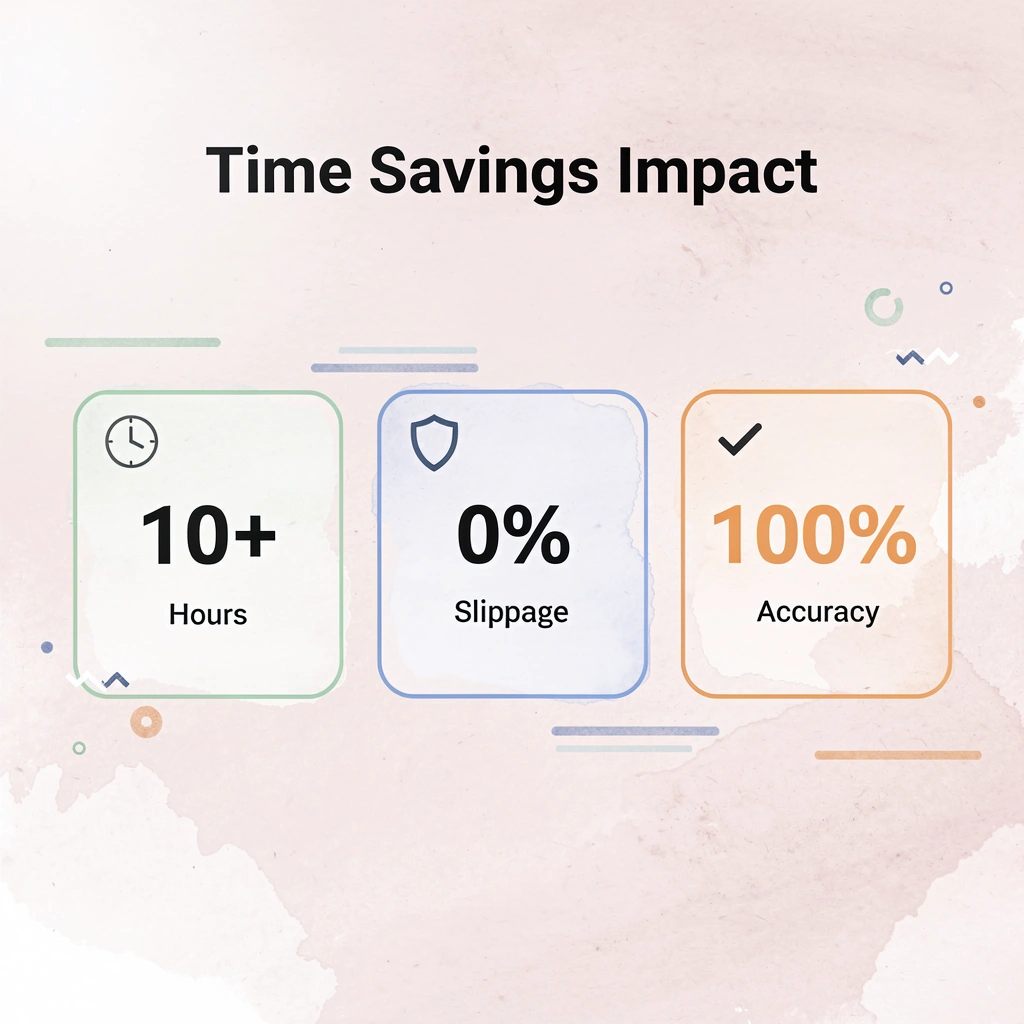
From analyzing Bloomberg Terminal data to managing GitHub tickets to coordinating QA testing workflows, Bud handles the grunt work while you focus on strategy. The system adapts to how your team already works rather than forcing rigid new processes. You can interact through web, text, or Telegram, fitting automation into existing communication patterns.
| Integration Type | Bud's Capability | Time Saved |
|---|---|---|
| CRM Updates | Automatic record sync | 5+ hours/week |
| Follow-up Emails | Intelligent scheduling | 3+ hours/week |
| Data Analysis | Cross-platform insights | 2+ hours/week |
Try Bud's AI agent now. It can start automating your first workflow today without setup headaches or complex integrations. Watch repetitive tasks disappear, pipeline visibility improve, and your team gain capacity for work that matters. Best Practice: Start with one high-impact workflow, like CRM updates or follow-up sequences, to see immediate ROI before expanding further.