What Is Tax Workflow Automation? Benefits, Tools & Use Cases
Tax departments face mounting pressure to handle increasing regulatory complexity, process higher transaction volumes, and deliver accurate results faster than ever before. Teams often find themselves drowning in spreadsheets, juggling multiple compliance deadlines, and manually transferring data between systems while the risk of costly errors looms over every filing season. Tax workflow automation offers a solution by streamlining processes, reducing errors, and improving compliance efficiency through the right tools and strategic implementation.
Identifying automation opportunities and evaluating software solutions requires cutting through countless technology options to find the right approach for specific tax challenges. Organizations need practical guidance on automating everything from data collection and calculation to filing and documentation, whether focusing on sales tax compliance, income tax provision, or transfer pricing workflows. Bud's AI agent provides intelligent support to help teams make informed decisions about which processes to automate first and how to measure the impact on productivity and accuracy.
Table of Contents
-
What Is Tax Workflow Automation (And Why It Matters Now)
-
Why Traditional Tax Workflows Break Down at Scale
-
How Tax Workflow Automation Works (And What It Actually Fixes)
-
Tax Workflow Automation Tools and Best Practices
-
Automate Your Tax Workflows Instead of Manually Managing Them
Summary
-
Tax workflow automation replaces repetitive manual tasks with technology that handles data entry, document routing, deadline tracking, and compliance monitoring without human intervention. The problem isn't that tax work is inherently difficult; it's that fragmented manual processes break under pressure when firms are juggling client document collection, compliance verification, and ongoing bookkeeping simultaneously. According to Moxo's research on tax workflow automation, 70% of tax professionals report that manual data entry is their biggest time drain, yet many firms continue treating it as an unavoidable cost of doing business rather than a solvable systems problem.
-
Tax complexity doesn't grow linearly, and what works for 50 clients doesn't scale to 500. Thomson Reuters Tax & Accounting research identified over 50 tax provisions that changed in a single year, each creating new documentation requirements, calculation methods, and compliance obligations. When workflows depend on manual tracking, every new provision becomes another step in the process and another place where interpretation can vary between team members. The work doesn't just increase; it fragments.
-
Errors don't stem from carelessness; they stem from cognitive load. According to Field's research on tax preparation workflows, 75% of tax professionals report spending excessive time on manual data entry and document collection. When a preparer is managing 40 active returns simultaneously with documents scattered across email threads, portal uploads, and client texts, the mental overhead of tracking what's complete and what's missing exceeds human working memory. Mistakes happen at handoffs when documents are uploaded but never linked to the correct return, or amended forms arrive after the preparer has already pulled data.
-
Firms that succeed with automation standardize processes first, then automate what's repeatable, ensuring integrations connect systems rather than creating new silos. Cloud-based document management platforms centralize client files and eliminate scattered folder structures, while AI-powered scan-and-populate solutions use OCR and machine learning to automatically extract data from tax documents. Quadient's 2025 financial automation research indicates that finance teams using automation tools reduce manual data entry errors by up to 90%, which matters most when those errors would otherwise surface during IRS review or client disputes months after filing.
-
Automation scales efficiency, but it can't fix broken processes. If your current workflow is disorganized, automating it just creates faster chaos. Very small practices handling under 50 returns annually may find that the setup cost exceeds the time savings, making additional staff or refined manual processes more practical when volume doesn't justify the infrastructure investment. The substitution test applies here: automation wins when repetitive tasks consume disproportionate time relative to their complexity, but loses when processes are too variable or volume too low to amortize implementation effort.
-
Bud's AI agent addresses this by navigating across multiple applications the way a human would, viewing screens and executing complete end-to-end workflows without requiring custom integrations for each tool.
What Is Tax Workflow Automation (And Why It Matters Now)
Tax workflow automation replaces repetitive manual tasks with technology that handles data entry, document routing, deadline tracking, and compliance monitoring automatically. Rather than accountants manually moving client information between systems, chasing missing documents through email, or updating spreadsheets to track filing status, software executes these steps automatically. The goal is to eliminate the friction points where errors creep in and bottlenecks form. Key Point: Tax workflow automation transforms passive manual processes into intelligent systems that work 24/7 without human intervention, reducing both processing time and error rates.
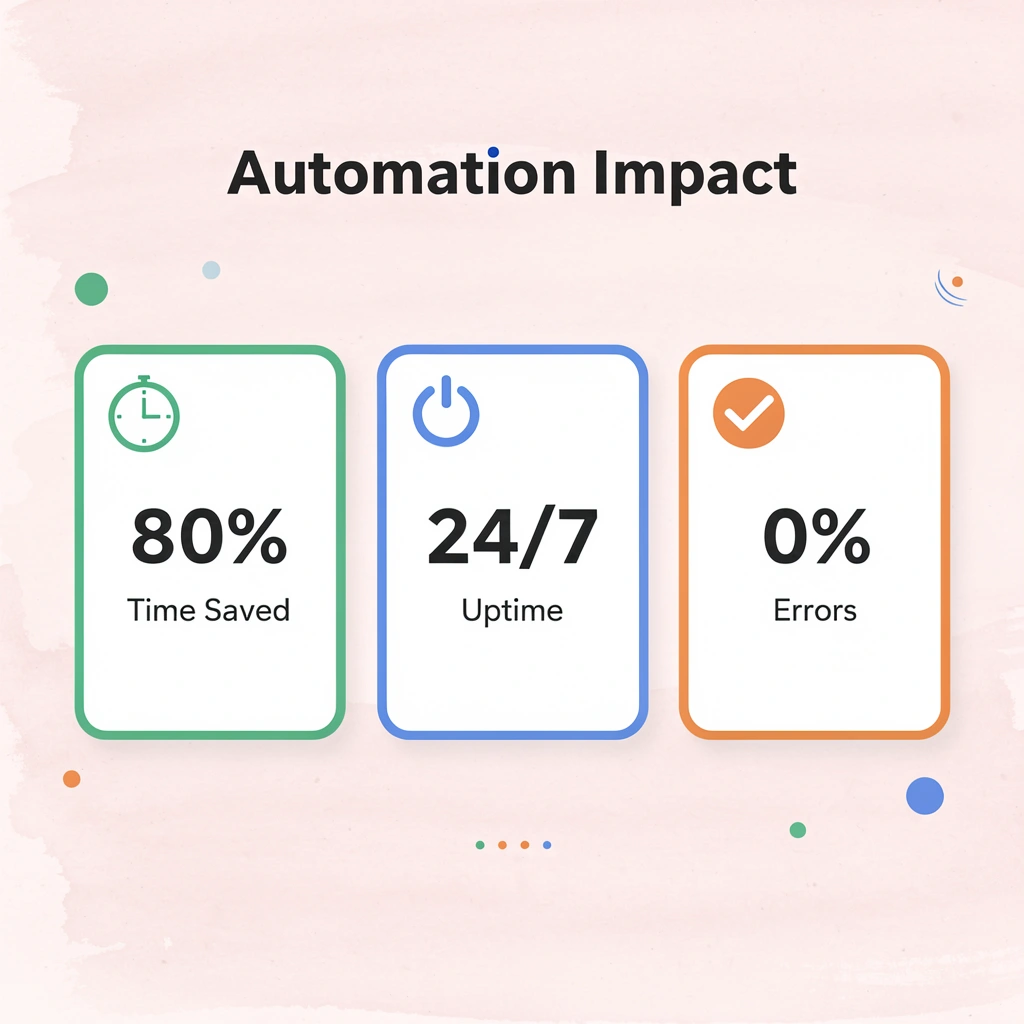
Takeaway: The real value of tax workflow automation isn't just faster processing – it's creating error-free workflows that free up tax professionals to focus on strategic client advisory work rather than administrative tasks.
Why do manual processes break under pressure?
Most firms still operate through fragmented, manual processes that break under pressure. During tax season, you're juggling client document collection, payroll processing, compliance verification, new client onboarding, and ongoing bookkeeping services simultaneously. Each task competes for the same limited attention and hours. When workflows depend on manual handoffs, every transition point becomes a potential failure: a missed email, a misfiled document, or a missed deadline because someone forgot to update the tracker.
Why do firms believe their current systems are sufficient?
Most firms believe their current setup is sufficient. Spreadsheets work. Email gets the job done. Basic tax software handles calculations. These simple tools aren't breaking all at once; they're deteriorating slowly as complexity increases.
When managing 200 clients, manual tracking feels manageable. At 500 clients, the same processes create bottlenecks that delay filings and force late nights. According to Moxo's research on tax workflow automation, 70% of tax professionals report that manual data entry is their biggest time drain, yet many firms treat it as an unavoidable cost of doing business rather than a solvable systems problem.
How do incremental tool purchases create unexpected problems?
Companies add tools one at a time without realizing how each purchase builds switching costs and integration dependencies. You start with a document management system, then add software for client communication, another for time tracking, and a fourth for compliance monitoring.
Each tool solves one problem but creates another: you're manually moving data between platforms, fixing inconsistencies, and training staff on multiple interfaces. What felt like progress becomes a form of vendor lock-in, where replacing any single tool costs more because everything else depends on it.
Why traditional automation falls short
Most tax automation tools handle narrow tasks: they calculate deductions, generate forms, or send reminder emails. They don't see the full picture. When a client uploads documents to one platform, someone still needs to manually verify completeness, transfer data to the tax software, update the status tracker, and notify the team. The automation stops at each tool's boundaries.
What firms need is technology that can take ownership of entire workflows. AI agents like Bud represent this shift: instead of scripting specific tasks, AI agents can see screens, navigate between applications, and execute multi-step processes the way humans do, without the bottlenecks of limited hours and divided attention.
But here's what most firms miss about why their familiar approach keeps failing despite new tools.
Why Traditional Tax Workflows Break Down at Scale
What works for 50 clients doesn't work for 500, and what worked last year won't work when regulatory requirements double. Companies mistake stability for scalability. Current systems aren't failing because they're poorly designed—they were never built to handle the growing variables that accompany growth, complexity, and speed in modern tax practice. Key Point: The fundamental issue isn't bad systems—it's systems that were never designed for the exponential complexity of scaling tax operations.
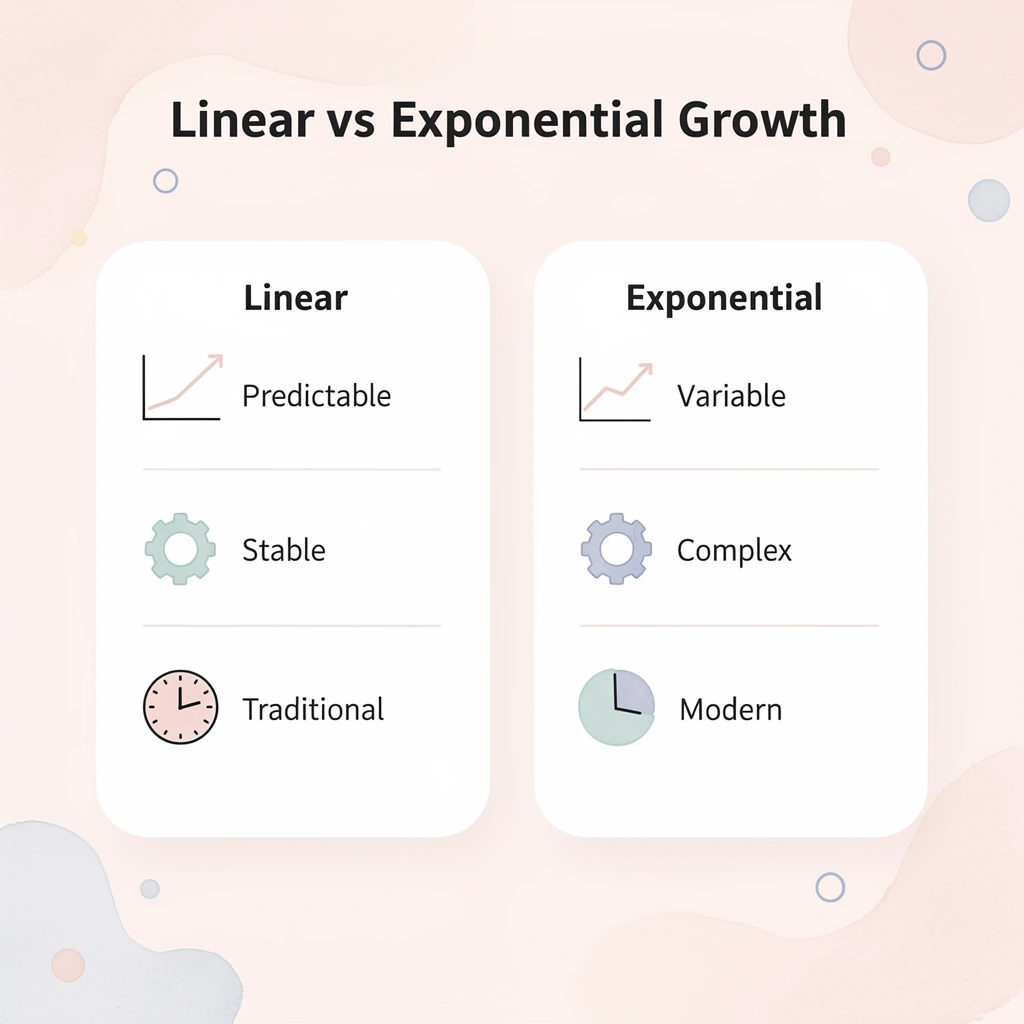
Warning: Many firms continue investing in incremental improvements to outdated workflows instead of recognizing that fundamental redesign is required for true scalability.
How does tax complexity multiply beyond linear growth?
Tax complexity doesn't grow in a straight line. Thomson Reuters Tax & Accounting research found over 50 tax provisions that changed in a single year, each creating new documentation requirements, calculation methods, and compliance obligations. With manual tracking, every new provision becomes another step to check and another place where team members might interpret requirements differently, fragmenting the work across multiple processes.
Why does firm growth create exponential complexity challenges?
When a mid-sized firm grows from 200 to 600 clients over three years, the number of returns triples, but complexity grows faster still. More clients mean more entity types, more states, and more edge cases outside standard templates. The spreadsheet that tracked deadlines for 200 clients now holds 600 rows, and manual updates have become the firm's bottleneck.
How do manual processes create silent degradation?
Manual processes don't break dramatically—they degrade slowly. According to Field's research on tax preparation workflows, 75% of tax professionals report spending too much time on manual data entry and document collection.
The real cost isn't the time spent entering data—it's what happens when that data lives in someone's head, in an email, or in a personal folder system. When knowledge is siloed in individual workflows, the firm becomes dependent on specific people remembering specific things. Sick days become crises. Departures become data loss events.
Why do errors occur despite careful attention?
Errors stem from cognitive load, not carelessness. When a preparer manages 40 active returns at different stages with documents scattered across email, portals, and texts, tracking what's complete exceeds human working memory capacity.
Mistakes happen at handoffs: the document was uploaded but never linked to the right return, the amended K-1 that arrived after data was pulled, or the client's question was answered in an email but never recorded in workpapers.
Why doesn't working harder solve workflow problems?
Companies respond to pressure by working harder: longer hours, weekend shifts, and all-hands sprints through deadline season. But effort cannot fix a structural problem. When the workflow itself creates friction at every transition, working harder means hitting those friction points faster and more often. No amount of manual processing can overcome a system's problem, regardless of team skill or dedication.
How do modern platforms address fragmented systems?
Platforms like Bud's AI agent demonstrate a shift by enabling agents to view screens, work across multiple applications, and complete end-to-end processes without custom connections to each tool. Rather than automating single tasks, our AI agent uses the same interfaces humans use, retrieving data from one system and sending it to another, checking status across platforms, and adapting to problems without interrupting the workflow.
What happens when you redesign the system instead of treating symptoms?
The issue isn't that firms lack technology. It's that they've built workflows around tools rather than tools around workflows. What happens when you stop treating symptoms and redesign the system itself?
How Tax Workflow Automation Works (And What It Actually Fixes)
Automation consolidates broken-up, manual processes into one unified system. Data ingestion replaces manual entry, rule-based processing ensures consistency, task routing eliminates handoff delays, and real-time tracking prevents missed deadlines. Each function addresses a specific problem: less manual entry means fewer errors, automated workflows compress turnaround time, and centralized visibility prevents deadlines from slipping through the cracks. Key Point: Tax workflow automation transforms fragmented manual processes into a seamless digital pipeline that eliminates the most common sources of delays and errors in tax preparation.

Tip: The real power of workflow automation isn't just speed—it's the elimination of handoff delays and manual entry errors that typically plague traditional tax processes during peak season.
Stage 1: Gather (Planning, Intake, and Data Collection)
The gathering phase covers everything before preparers touch the return, where most firms lose time to manual processes. Engagement setup defines scope: which entities, returns, and deadlines apply. Modern platforms create standardized workflow templates for each return type (1040, 1065, 1120S) that automatically assign owners, set internal milestones, and link clients to the appropriate engagement structure.
How do automated document requests streamline client communication?
Instead of emailing document request lists, the system sends automated DRLs, organizers, and questionnaires through a client portal with deadline-tied reminders. As clients upload documents, AI and OCR technology identify submissions (even when files are named "TaxStuff2025.pdf"), organize them correctly, and extract key data fields. Your team sees completion status in real time without digging through emails or shared folders.
How do tax platforms handle complex multi-entity engagements?
For complex engagements involving partnerships, corporations, or multiple entities, tax automation platforms connect directly to ERP systems, general ledgers, and payroll software through APIs or structured uploads. The system flags exceptions: missing accounts, mapping issues, and unreconciled numbers. Staff resolve exceptions rather than manually reconciling spreadsheets, focusing expertise where it matters.
Stage 2: Connect (Integration and Preparation Handoff)
The connection phase links the information you gathered to tax prep work, ensuring data moves smoothly between different systems. The best tax automation platforms connect directly with major tax prep software (Thomson Reuters Ultra Tax CS and GoSystem Tax RS, CCH Axcess, ProSystem fx Tax, Intuit Lacerte) through APIs, eliminating manual export and import processes and preventing version control problems.
What does true integration mean for tax workflow systems?
True integration means information flows both ways. Status updates, completed tasks, and return data sync automatically across systems, creating a single source of truth. Documents gathered during intake automatically link to the appropriate return sections and are organized the way preparers expect, eliminating time spent hunting through folders or renaming files.
Stage 3: Preparation (Review and Quality Control)
Tax automation platforms provide workflow support that keeps engagements moving while maintaining quality standards. The system tracks each step of the prep and review process—prep completion, self-review, and workpaper documentation—and automatically routes engagements to the next stage once required tasks and checklists are complete. Senior reviewers and managers receive auto-routed tasks for technical reviews, diagnostic resolution, and sign-offs. The platform enforces review levels, captures review notes, and prevents progression until mandatory approvals are complete.
Stage 4: Delivery (Client Approval and Filing)
The delivery phase handles client review through follow-up after filing. Draft returns and summaries are delivered electronically with integrated e-signature capabilities for Form 8879, engagement letters, and other approval documents. The system captures approval timestamps and maintains a complete audit trail.
What happens during automated return assembly and filing?
Completed returns are automatically assembled with the correct forms, schedules, payment vouchers, and filing instructions. According to Thomson Reuters Tax & Accounting, this process takes 3 to 4 minutes, compared with 15 to 20 minutes of manual assembly.
K-1 packages are created and sent out automatically. Once approved, the workflow starts e-filing or creates filing packages, tracking what was filed, where, and when. Payment vouchers are generated with amounts and due dates, including automatic reminders for estimated payment deadlines.
How do AI agents differ from traditional tax automation tools?
Most tax automation tools handle these separate phases well, but require humans to move data between systems, verify handoffs, and manage exceptions. AI agents like Bud take a different approach: they navigate across multiple platforms as humans do, pulling data from one system and routing it to another while adapting to exceptions.
With comprehensive system access, they can execute end-to-end processes rather than stopping at the boundaries of individual tools. Knowing how automation works doesn't reveal which tools deliver on these promises or how to implement them without disrupting existing workflows.
Tax Workflow Automation Tools and Best Practices
Companies that do well with automation first standardize processes, then automate what's repeatable. The goal is a cohesive workflow where data moves automatically between platforms, tasks route without manual intervention, and visibility extends across the entire tax process without requiring someone to check five different systems. Key Point: Standardization must come before automation. You can't automate chaos — you need clear, repeatable processes as your foundation.

Best Practice: Start by mapping your current tax workflow, identifying manual handoffs, and eliminating redundant steps before implementing any automation tools.
How do cloud platforms centralize client documents?
Cloud-based document management platforms consolidate client files in one place, eliminating scattered folder structures and email attachments that create version control problems. Client portals let clients upload documents directly into organized structures, with automated reminders keeping them on track. The system tracks what's been received and what's outstanding in real time, so your team stops wasting hours chasing missing W-2s or K-1s.
Why should collaboration tools use one interface?
Good collaboration tools consolidate the entire client experience in one place. Clients shouldn't need separate logins to upload documents, sign electronically, complete forms, or pay invoices. When each task requires a different platform, responses are slow, and confusion increases.
According to Quadient's 2025 financial automation research, 80% of finance leaders say automation has made their team more productive, but this gain evaporates when staff spend time directing clients to the correct portal for each task.
How does AI eliminate manual data entry errors?
Typing data in by hand leads to mistakes and wastes time. AI-powered scan-and-populate solutions use OCR and machine learning to extract data from tax documents and automatically sort information into the correct fields.
They eliminate typing errors—switched numbers, misread decimals, amounts on wrong lines—that cause downstream problems. When connected with tax preparation platforms (Ultra Tax CS, GoSystem Tax RS, CCH Axcess, Lacerte), data flows directly into returns without exporting, importing, or manual verification.
What integration capabilities support business returns?
For firms handling business returns, integration extends to accounting systems, payroll platforms, and ERP software. APIs pull trial balances, payroll summaries, and financial statements directly into your workflow, flagging mapping issues or reconciliation problems before prep begins.
Quadient's research indicates that finance teams using automation tools reduce manual data-entry errors by up to 90%, which is critical when errors surface during IRS review or client disputes months after filing.
How do workflow platforms track engagement progress?
Workflow platforms track work from start to finish, automatically routing tasks to the right people based on completed steps and ensuring quality standards are met. The system assigns tasks, notifies reviewers when work is ready, and halts progress until all required approvals are recorded. Automated checklists ensure documents are collected, work notes are documented, and technical reviews occur in the correct sequence without manual oversight.
What happens when automation reaches its limits?
Most workflow tools automate specific tasks but require humans to move information between systems. Platforms like Bud's AI agent work differently by granting full computer access, enabling them to navigate multiple applications as a human would. They can view screens, extract data from one system, transfer it to another, and adapt to unexpected problems without interrupting the workflow. When tasks exceed standard automation capabilities, our AI agent's full access enables it to complete end-to-end processes rather than stopping at integration limits.
Why does automation sometimes fail to deliver results?
Automation can help you work faster and accomplish more, but it cannot fix broken processes. If your current workflow is messy and disorganized, automating it will create faster chaos. Standardize first: create consistent naming conventions, establish clear handoff points, and document how to handle exceptions. Only then will automation multiply your effectiveness rather than cement dysfunction.
When is manual processing more practical than automation?
Small practices (under 50 returns annually) may find that the setup cost exceeds time savings. Hiring additional staff or improving existing manual processes may be more effective when the workload doesn't justify system investment. Automation works well for repetitive, time-consuming tasks, but less so when processes change frequently or when implementation effort outweighs the volume of work.
But knowing which tools fit where doesn't tell you how to use them without disrupting your firm's current workflows.
Automate Your Tax Workflows Instead of Manually Managing Them
Tax workflow problems stem from fragmentation: switching between systems, manually pulling data, and repeating tasks. These create errors and slow teams down. Effective automation requires end-to-end execution, not partial digitization.

Tip: Bud is an AI agent that navigates websites, fills out forms, pulls data, and completes multi-step workflows across systems like a human operator—without manual bottlenecks. Instead of managing tasks across tabs and tools, delegate entire processes and let our AI agent handle execution from start to finish. Key Point: You can try it in under five minutes. Connect Bud to your workflow, assign a repetitive tax or data task, and watch it complete multi-step actions automatically. Move from manual execution to full workflow automation right away.